Unpacking priority planner
Add rows, then download your worksheet as a CSV. Record references rather than passwords or private account details.
Entries remain in this session unless you choose Save on this device or Download CSV. Clear removes saved data for this tool.
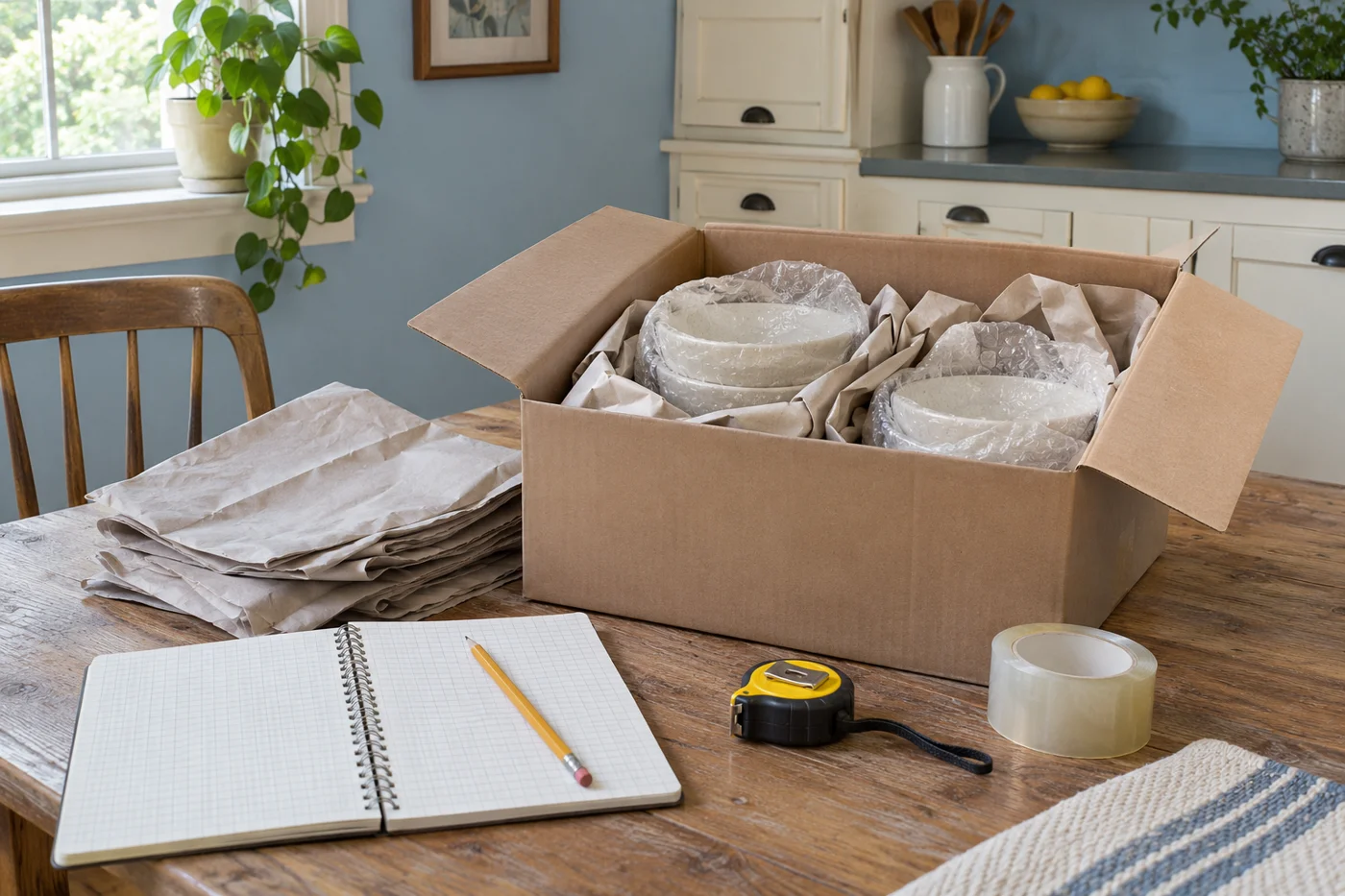
Plan for a usable home first
The unpacking priority planner helps you decide which tasks make the new home usable and which can wait. It provides fields for Room or box, Priority, Task, Assigned to, and Completed. Add one clear action per row. A task such as assemble the child's bed is easier to assign and finish than a broad instruction to unpack upstairs. Use the worksheet to connect each action with a location, a person, and a visible completion status.
Begin with the household's immediate needs. Sleeping, washing, drinking water, basic meals, medication, and essential work or school routines usually require attention before decorative arrangements. Your priorities may differ because of accessibility needs, children, pets, or an early work shift. Use your actual circumstances rather than copying another household's order. The planner does not rank tasks automatically. It records the priorities you choose and helps you make those decisions explicit.
Keep the first list small enough to use. A room filled with boxes can produce dozens of possible jobs, but entering every minor action immediately may slow progress. Start with the tasks needed for the first evening and following morning. Add later work as the main spaces become functional. The aim is to reduce repeated decisions and prevent essential tasks from being hidden beneath less urgent unpacking, rather than creating another large project to manage before opening a carton.
Enter useful information in each field
In Room or box, use the destination label or carton number that identifies the task. If the box is not yet located, say so and make finding it the first action. In Priority, choose a simple vocabulary the household understands, such as today, this week, or later. The field accepts your text, so it does not impose a ranking system or automatically reorder the table. Enter rows in a useful sequence and keep a separate note if the order changes.
Use Task for an action with a clear endpoint. Set up bedding, connect the desk equipment, or unpack everyday dishes are more useful than sort things out. In Assigned to, name the responsible person or write unassigned until the household decides. Avoid assigning work to someone without checking their availability and ability. A heavy item may require a professional or more than one person, and the planner should reflect that dependency rather than imply it can be handled immediately.
Use Completed to record a simple status or completion date. If a task is partly done, describe what remains instead of marking it finished. The worksheet does not verify the result or send reminders. Review the rows together at a practical interval and update them using the available controls. Keep private information out of the entries. A task can reference a document location without including passwords, account numbers, or sensitive personal records in a file shared with helpers.
Make safe routes through the home
Before opening more cartons, check that exits, stairs, and frequently used paths are clear. Move empty packaging away from walking routes and avoid unstable stacks. Identify boxes that block a bathroom, bedroom, or essential equipment. Those may become immediate tasks even if their contents are not urgent. The priority comes from restoring safe access, rather than the room's decorative importance. Keep children and pets away from active furniture movement and packing debris.
Do not turn every room into an unpacking area at once. Choose a workable staging space where open boxes and supplies will not obstruct daily life. Keep sharp tools controlled and follow the packaging manufacturer's safe opening guidance. Avoid cutting deeply into cartons when contents may be near the surface. Break down empty boxes as you go, while preserving relevant packaging for items that need inspection or follow up with the mover.
Heavy furniture should be placed deliberately before cartons fill the surrounding space. If an item needs to move, assess the route and arrange suitable help. Do not use unpacking urgency as a reason to drag or lift something beyond your ability. A task requiring specialist installation should be assigned to the appropriate provider. Record the next action, such as scheduling the service, so the row can progress without implying that the household should improvise technical work.
Establish sleeping and bathroom essentials
Set up the beds or other safe sleeping arrangements the household will use that night. Locate bedding, pillows, sleepwear, and necessary personal items. If furniture reassembly was part of the moving service, check that it was completed and that required parts are present. Record any unresolved issue separately. Avoid leaving the sleeping area until late simply because another room contains easier boxes to open. A tired household benefits from knowing that rest does not depend on several more hours of work.
Prepare a bathroom with toiletries, towels, toilet paper, and other routine supplies. Check that basic fixtures can be used and report property problems through the appropriate owner or provider. Keep medication stored according to its instructions and accessible to the person who needs it. Do not place sensitive items in an unsuitable room merely because a shelf is empty. The task should reflect the household's requirements, including any accessibility or care needs.
For children, choose a few familiar belongings that support the first evening. For pets, arrange a secure quiet area with their immediate supplies and follow the household's established care plan. These actions can be more useful than unpacking every toy or accessory. Assign them to someone who can focus on the people or animals involved. The person moving furniture should not simultaneously be responsible for monitoring an open door and a frightened pet.
Create a small working kitchen
Unpack the items needed for simple meals before tackling the full kitchen. Locate drinking vessels, everyday dishes, basic utensils, and any food storage supplies you need. Check that appliances are ready for use according to their instructions and any required installation. Do not assume an appliance is operational because it has been placed in the room. If a connection or setup needs professional work, record that appointment as a separate task and plan meals around the gap.
Choose where frequently used items will go before emptying every kitchen carton. A provisional arrangement is acceptable if it is safe and practical. Keep counters clear enough to prepare food and avoid filling them with decorative pieces or seldom used equipment. Use the planner to distinguish essential setup from later organization. A row such as unpack breakfast dishes has a clear purpose; organize all cupboards can remain a later project once the household understands the space.
Inspect fragile kitchen items as they are unpacked and record concerns through the mover's process where relevant. Keep useful packaging if an item needs further assessment. Remove damaged materials safely and avoid leaving broken pieces where children or pets can reach them. Update the completion status only when the usable items are placed and the work area is clear. Opening a carton is a step, but it is not always the end of the task.
Restore work and school routines
Identify the equipment, documents, clothing, and supplies needed for the next scheduled work or school day. Set up those items before less urgent rooms. If internet service is not available, plan the alternative through your own arrangements and record any provider appointment. The planner does not connect services or troubleshoot equipment automatically. It helps you assign the setup and follow up tasks so a missing cable or pending installation does not remain hidden until the morning it is needed.
Keep essential electronic components together. Use the labels and photographs made during packing to reconnect equipment according to its instructions. Avoid mixing unrelated cables into a single drawer before setup is complete. If a device needs specialist attention, record the next action rather than repeatedly attempting uncertain fixes. A clear task might be locate the monitor power cable or confirm the internet installation window. Specific actions are easier to complete than a broad note to make the office work.
Prepare clothing and personal items for the first few days without unpacking the entire wardrobe. Establish a place for keys, bags, and incoming documents. A small amount of order around daily departures can reduce repeated searching. Assign tasks according to the household members who will use the space. Someone familiar with the work equipment or school materials can often decide what must be accessible first, while another person handles packaging or a different room.
Use dependencies to choose the order
Some tasks must happen before others. A shelf may need assembly before books can be placed, and a room may need a clear floor before a heavy desk can be positioned. Record the prerequisite as its own task when it matters. Do not unpack all related cartons into the room while the prerequisite remains unresolved. That can make the needed work harder and create a cycle of moving the same belongings repeatedly.
Use the priority field to show timing, and put the dependency in the task description when useful. For example, a row can state unpack books after shelving is ready. The worksheet does not enforce that order or link rows automatically, so review the sequence yourself. If a professional appointment is required, keep the appointment details elsewhere and reference the next action here. A blocked task should remain visible with a reason rather than appearing forgotten.
Reconsider priorities when circumstances change. A delayed furniture delivery may make another room more useful temporarily. An early work commitment may move office setup ahead of decorative tasks. The planner should follow those practical changes instead of preserving the original order for its own sake. Update the active list and tell anyone assigned to affected work. Clear communication prevents someone from spending time on a task the household no longer needs immediately.
Keep unpacking from becoming repeated sorting
When you open a carton, decide where its contents belong and handle the packaging before moving to another unrelated box. If the contents reveal an unresolved decision, make a separate task and place the items in a controlled temporary area. Avoid spreading uncertain belongings across every room. A defined decision area keeps the rest of the home usable and makes it easier to see how much work remains.
Separate damaged, unwanted, and misplaced items. They require different actions. Damage may need documentation and follow up, unwanted belongings may need sale or donation, and misplaced items may simply need another room. Label the action accurately in the planner. Do not combine everything into a vague sort later pile. Give each group a responsible person and a next step, especially when the items are large enough to obstruct the room or require collection.
Set a practical limit on temporary storage within the home. A spare room can become inaccessible if every difficult decision is sent there indefinitely. Schedule a review after essential routines are established. Consider whether the items fit the new space and whether the household still uses them. The planner should help complete those decisions rather than provide a permanent record that they remain unfinished. Use specific tasks and realistic dates in your own schedule.
Save, print, and revise the worksheet
Use Add row to place a task in the table. Each row has a Remove control. If an entry needs changing, remove it and add a corrected version, retaining a copy first if you need the earlier record. The worksheet does not maintain a revision history or automatically send assignments to other people. Tell the household about assigned work directly and use the table as a shared reference through your own coordination.
Choose Save on this device to retain the current rows in the browser when storage is available. Entries remain in the session unless you save or download them. Browser data can be cleared or unavailable, so export a CSV when you need a separate copy. Downloaded files do not update after later browser changes. Use a clear filename or date in your own file organization to distinguish the current plan from an earlier version.
Print a copy when a visible household list is useful. Keep sensitive details out of the worksheet before sharing it with helpers. Clear all rows removes the current table and its saved data for this tool on the device. It does not remove downloaded files or change any real world assignment or appointment. Use it deliberately after saving the record you need, rather than as a substitute for marking tasks complete or discussing a changed plan.
Review the list at useful intervals
At the end of an unpacking session, check which tasks are complete and what blocks the others. Add only the next useful actions. A brief review can identify missing supplies, an appointment to arrange, or a room that needs a different layout. Avoid repeatedly rewriting every task when the existing plan still works. The worksheet should reduce coordination effort, not consume the time available for the actual work.
Once essential routines function, move to less urgent rooms and organization. Keep a manageable number of active priorities and assign them according to available time and ability. Retain delivery records and unresolved concerns separately from the unpacking list. When the move is settled, save a copy if useful and clear the active worksheet. The household should be left with functional spaces and a few deliberate follow up tasks, rather than an indefinitely growing list of everything that could ever be improved in the new home.
Build a first evening example
Imagine a household arriving in the afternoon with work scheduled the next morning. Its first rows might cover setting up the bed, preparing the bathroom, locating work clothes, connecting essential desk equipment, and unpacking a few dishes. Each row should name the room or box, use today as the priority, describe one action, identify a responsible person, and show whether it is finished. Decorative shelves and rarely used kitchen equipment can wait. The order comes from the next day's needs rather than from whichever carton happens to be closest to the door.
Suppose the desk cannot be assembled because a hardware bag is missing. The household should record locating that bag as the next action and decide whether a safe temporary workspace is practical. It should not mark the office task complete or open every office carton in frustration. Another person can continue with bedding or bathroom supplies while the missing part is located. The planner makes the blockage visible and helps the household choose useful work that does not depend on the unresolved item.
Apply the same reasoning to your own home. Identify what must function, what information or equipment is missing, and who can take the next step. Keep tasks proportionate: a small routine action may need only a quick conversation, while a complicated room setup benefits from several clear rows. Review the plan after the first night when you have information about the space. Adjust it to observed needs, and retire completed rows from the active list when keeping them visible no longer helps the household coordinate its work.